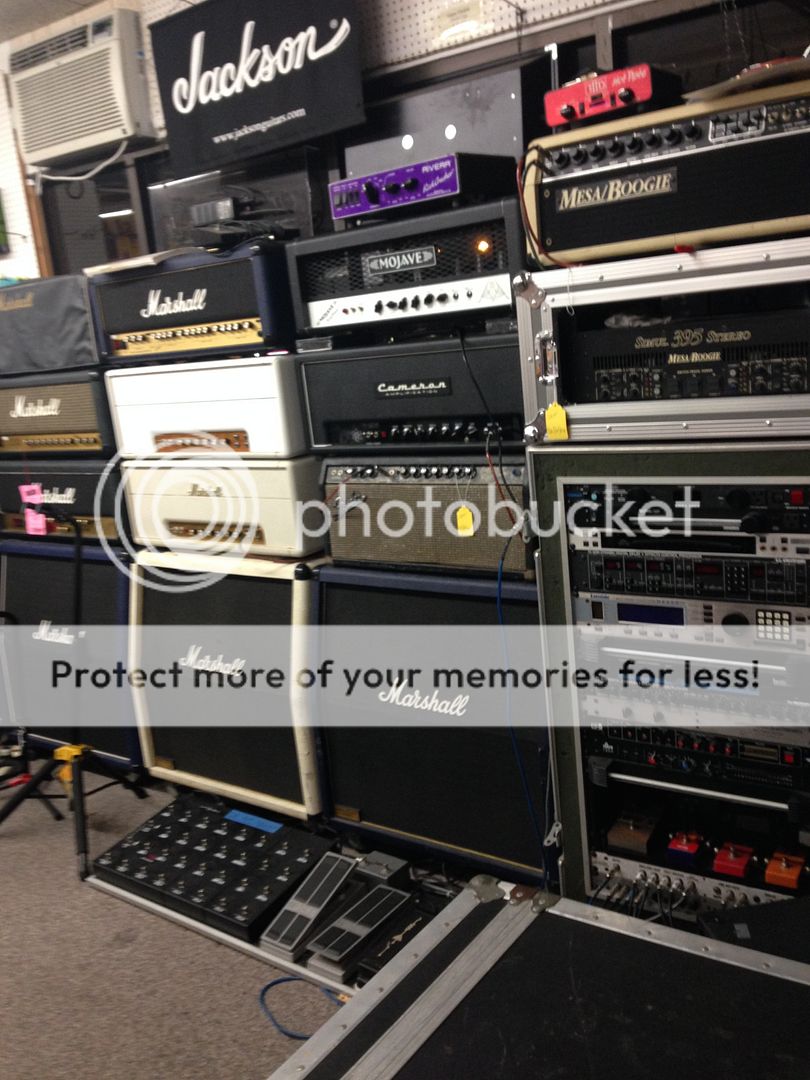
More than 16 hardware rack pieces and units

  • Thread starter Thread starter esppse
  • Start date Start date
E

esppse

New member
Hey I have a Gordius lititle giant 2, and I have recently totalled more than 16 pieces of midi gear.

I need to send program changes to all of them but they must be on different midi channels. How do I control this many units when there are only 16 midi channels?
 
You will need a series of splitters and maybe something like a midi solutions event processor to help map your midi commands. The short of it is, you can only control so much without duplicating commands.
 
or some on the same midi channel and setup your patches accordingly. wait, buy a multieffect unit ... j/k on the last one.
 
I actually use some Quadra Thru units and some are daisy chained. Theyre pretty much connected. I am unable to align the patches because some units have like an 8 Preset maximum, and my Sub Phatty which has 16. Ah there's gotta be another way! How does someone like The Edge change presets with a much more massive gear piece count? May I ask how the event processor may help? Does it split one channel into an A and B?
 
Not sure if this will be helpful to you, but just in case; it gives you some conceptual ideas that may apply for your design scheme.

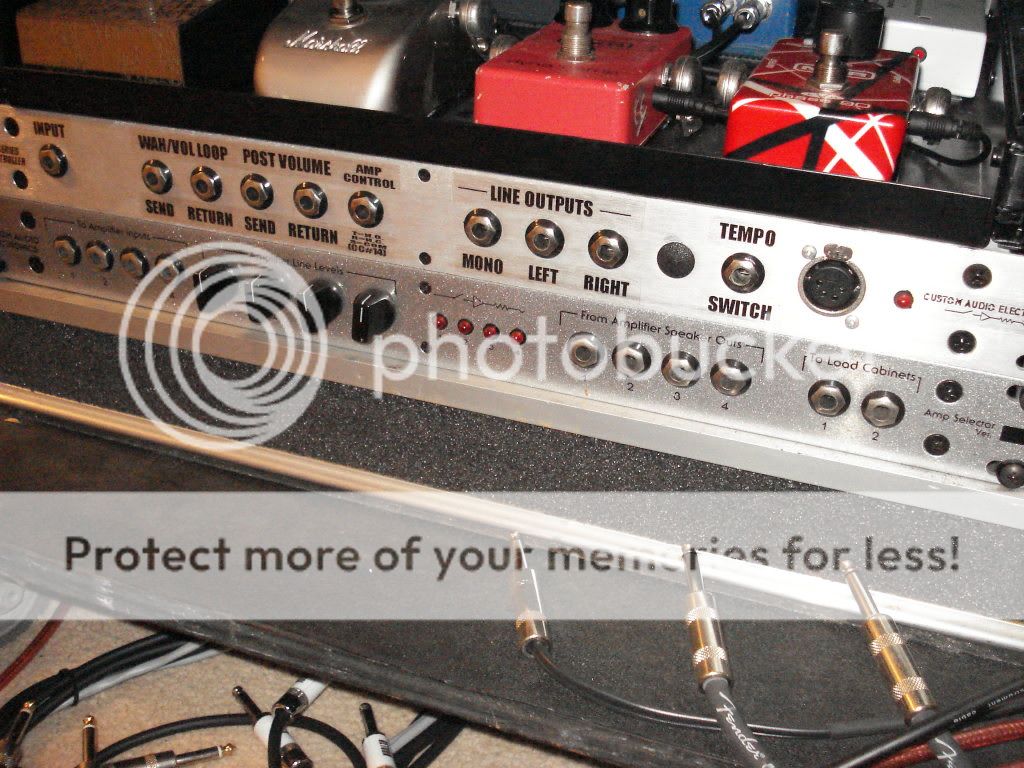
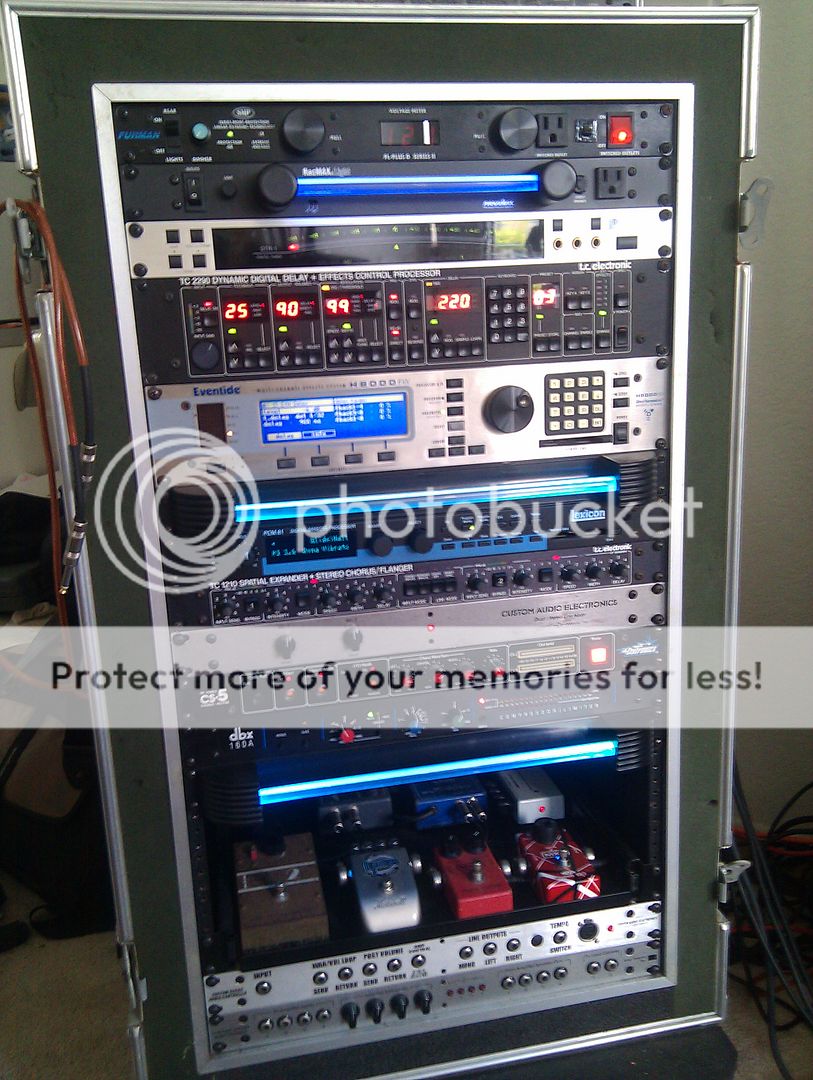
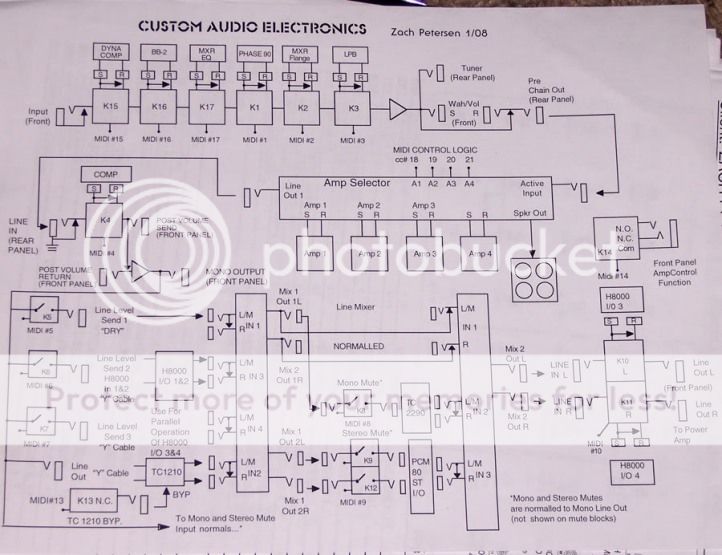
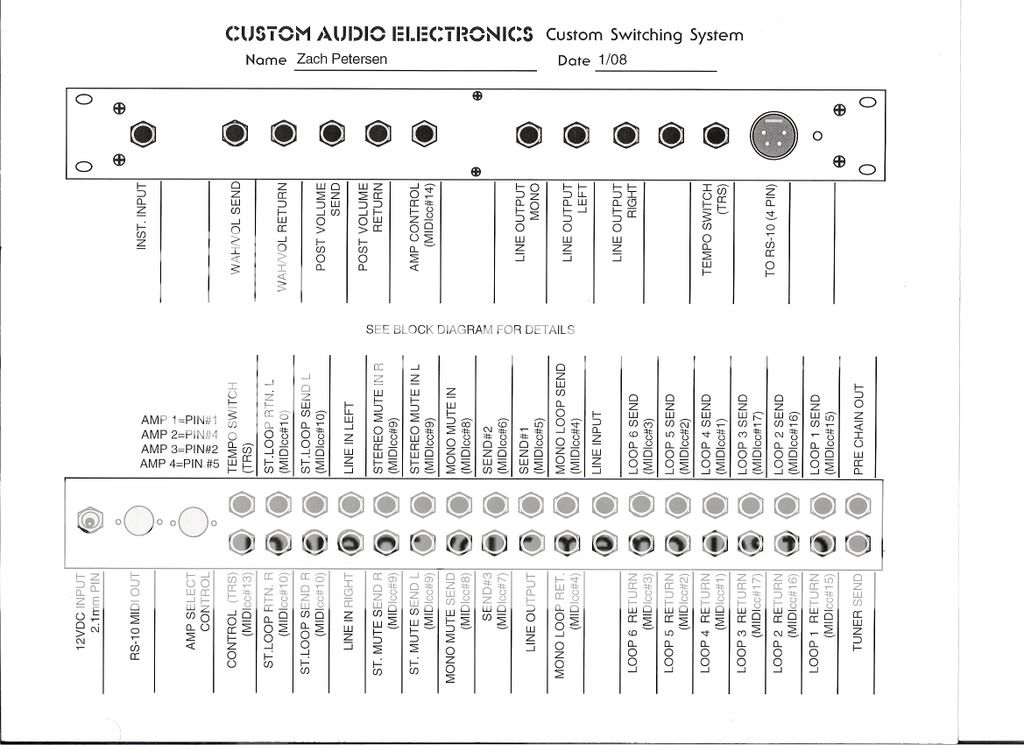
These are the Block diagrams for my rig's routing and the mapping for the MIDI (PC#'s, and CC#'s) foot controller and the Custom Audio Controller (Switching System, and Amp Selector. The setup is a W/D/W configuration.

caeswitcherrear-1.jpg


caeswitcher002-1.jpg


IMAG0448.jpg


caepedalboard.jpg~original


zachschematic-1.jpg


caeswitcherdiagram-2.jpg


caers10schematic-2.jpg~original


IMG_0729_zpscmjssh3e.jpg
 
esppse":3w3c7oab said:
Hey I have a Gordius lititle giant 2, and I have recently totalled more than 16 pieces of midi gear.

I need to send program changes to all of them but they must be on different midi channels. How do I control this many units when there are only 16 midi channels?

Are you sure that each and every unit needs to be on a separate channel? Sure, all the litterature recommends it and there is a lot of upside to it, but it´s not mandatory and often not necessary. Depending on what you need everything to do, of course. And I´m also not sure how this has to do with the preset maximum of the units?

I think you might need to check out the concept of MIDI mapping. Most pro units can receive one program number and switch to some other number entirely, all of them don´t have to switch to preset 8 because they all receive the number 8.

Anyhoo, the Edge probably doesn´t have any MIDI control at all over all those units. The classic Bradshaw-style rigs just switch them out physically by muting the sends.
 
Yeah I'm actually doing the midi mapping thing, which is why nothing is aligned (ex. Unit 1 Preset 53, Unit 2 Preset 39, Unit 3 preset 98, unit 4 preset 0. All simultaneously. Sometimes 1 unit is on. Sometimes 12 units are on. Sometimes 18 units.) and everything must be on different channels. It's just that I can't do that past 16 different units. I tried putting some units on the same channel, which means the those 2 channels have to be Preset aligned, but that never worked out for me because it leaves holes in my preset banks because sometimes one of them is not on. Do you guys know of any devices that can split a midi channel into 2 (like Midi Channel 9A + 9B)


And thanks for the schematic Zach. I've seen your rack system all over the internet and was quite curious haha.
 
I might be missing something crucial, I haven´t really heard of a rig running this way before, but to me it looks like you could map several different PG numbers to the same preset on a unit or two and be OK with having two or more on the same channel. PG1 calls up preset 1 on unit A and preset 1 on unit B, PG2 does the same for unit A but preset 2 on unit B, PG3 calls up preset 2 on both and so on. You don´t really have to have them aligned perfectly that way, I think.
 
Hmm Ill put some more thinking into this rig, thanks for the help guys.
 
Back
Top